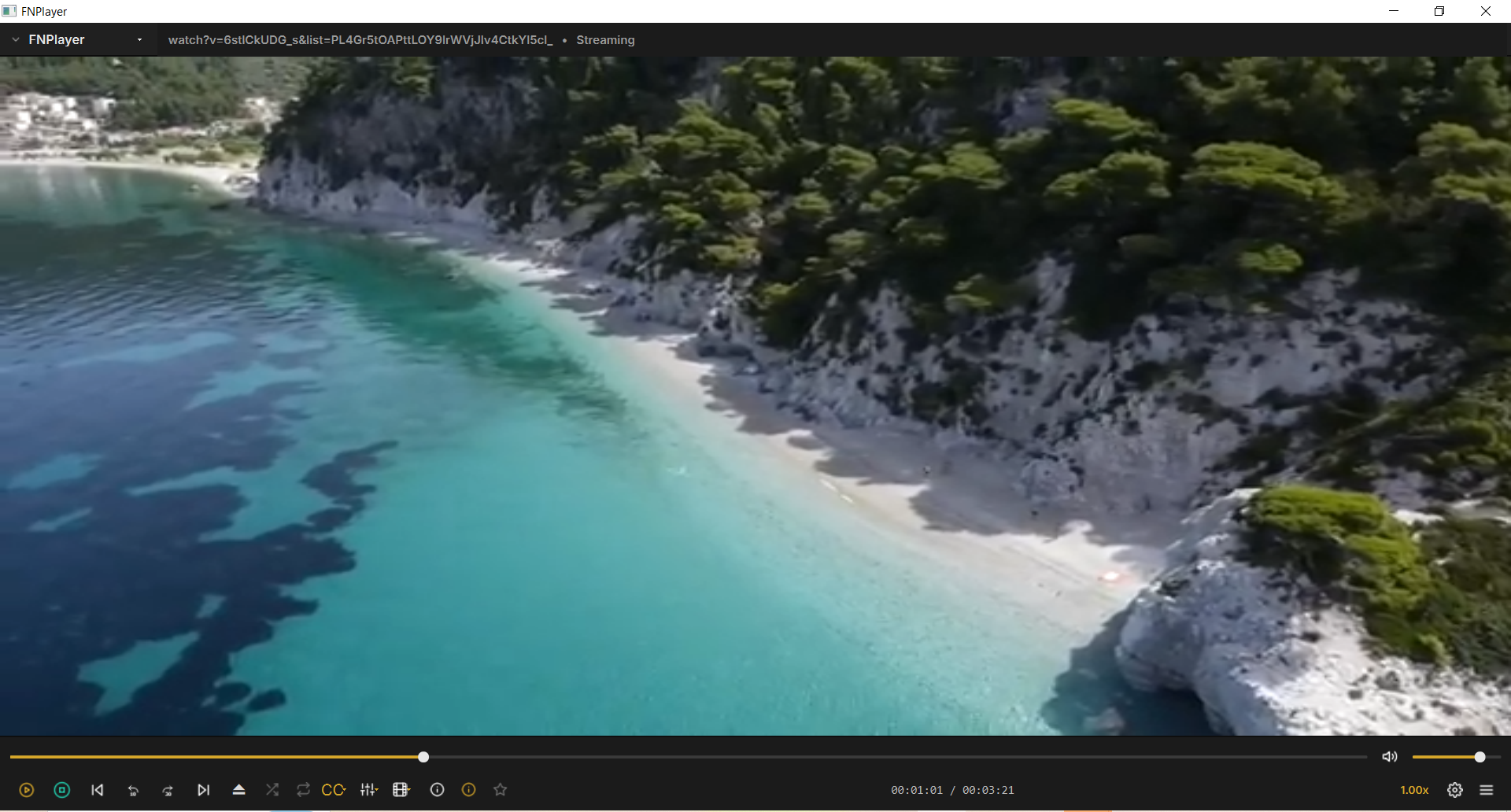
FNPlayer is a native desktop player built for people who can hear the difference — a real biquad equalizer, instant startup, and zero Electron bloat.
30-DAY EVALUATION LICENSE · ACTIVATES AUTOMATICALLY · NO ACCOUNT NEEDED
No hidden settings menus three levels deep. What the player does is what you can see here.
Plays common video formats (MP4, MKV, AVI, MOV, WebM) and audio formats (MP3, WAV, FLAC, M4A) with hardware-accelerated decoding for smooth performance.
Rotate (90° steps), horizontal/vertical flip, zoom (0.5x–4x), and three aspect ratio modes (Fit/Letterbox, Fill/Crop, Stretch).
Real-time brightness and contrast control while playing.
Save the current video frame as PNG or JPEG, copy to clipboard, or one-key quick save.
Select from any connected audio output device (speakers, headphones, HDMI, etc.) directly within the app.
Switch between multiple embedded audio tracks (e.g. dual-language files) on the fly.
View output device capabilities, sample rate, channel count, codec, and bitrate for the current file.
Load external subtitle files (SRT, ASS, SSA, VTT) or automatically detect and display subtitles embedded inside the video file itself.
Adjust font, size, text color, outline color, position (top/bottom), and sync delay.
Enable or disable subtitles at any time, with automatic same-name subtitle file detection.
Variable speed from 0.25x to 2.00x.
Off, Repeat One, Repeat All.
Randomized play order across the playlist.
Add, remove, and reorder media files in a dedicated playlist panel.
Displays container format, video/audio codec, resolution, frame rate, bitrate, HDR status, duration, and embedded subtitle track details.
Displays artist, album, genre, composer, track number, and embedded album artwork/lyrics for music files.
Automatically remembers and offers to resume from the last watched position on any file.
Quick-access panel showing recently opened media, sorted by most recent.
Complete searchable and sortable log of every file played, with total play count, total watch time, and last-completed date.
Bookmark preferred media with custom notes/tags, searchable and sortable, accessible with one click.
View local database size and clear all saved history/favorites/resume data with one click.
Click anywhere on the video to pause or resume, in addition to standard playback controls.
Click or drag anywhere on the timeline or volume slider to jump instantly to that position.
Open and play video directly from HTTP/HTTPS URLs, RTSP streams, and HLS/M3U8 playlists (including IPTV).
Play videos directly from YouTube and similar video-hosting links.
Automatically attempts to recover a dropped network stream.
Distraction-free fullscreen viewing with double-click toggle.
Drag media files straight into the player to add and play instantly.
Remember volume level and window size/position/layout between sessions.
Subtle on-screen feedback for actions like speed changes, volume, subtitle toggles, and more.
Clean, distraction-free dark theme throughout the app.
FNPlayer brings together the essentials of a professional media player — broad format support, rich subtitle and audio handling, smart playback memory, and true network/online streaming — in one clean, modern, distraction-free interface. Unlike many players that force you to choose between simplicity and power, FNPlayer keeps everyday playback effortless while still giving you fine-grained control when you want it: resume exactly where you left off, rediscover what you've watched, bookmark your favorites, and stream from the web or YouTube without needing a separate app. It's built to feel familiar from the first click, yet capable enough to be the only media player you need.
FNPlayer ships as a time-limited evaluation build. The app checks in automatically — you never enter a key by hand.
If you'd like FNPlayer without the 30-day limit and want to purchase it, please contact me directly. I will provide a long-term license key.